
Common Attendance Tracking Problems and Smart Solutions
Discover common attendance tracking problems businesses face and explore smart solutions that improve accuracy, save time, and simplify workforce management.
- admin
- 31 August 2026
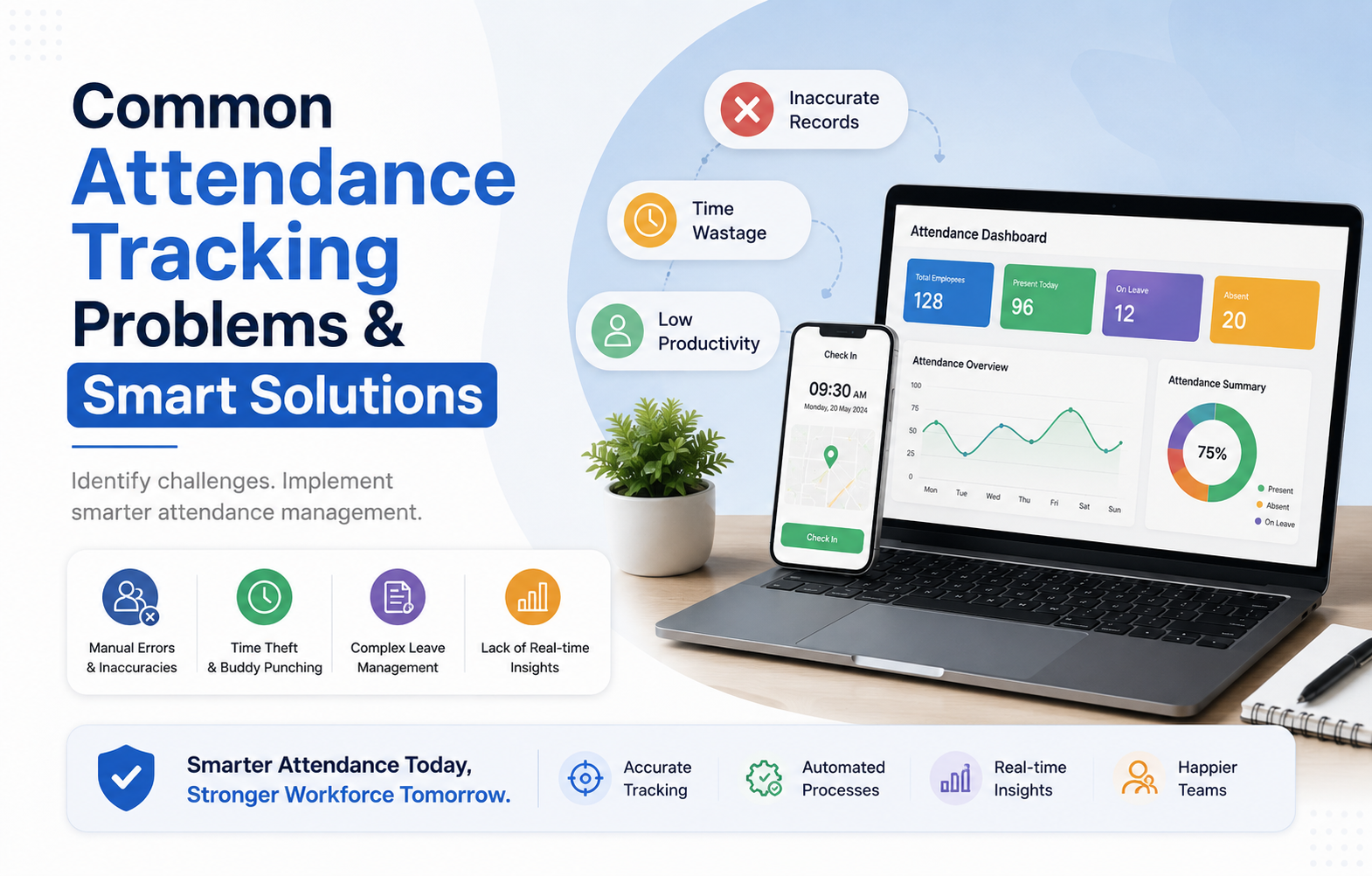
It sounds very simple to manage employee attendance from the outside. But the HR department faces real challenges such as missing time punches, wrong time entries, shifts, remote workers, and payroll problems due to inaccurate records. This is the situation where having a reliable attendance tracking system ensures that your company records working hours correctly and handles any problem before it affects the payroll.
Contemporary businesses have gone past using spreadsheet and paper systems in managing their attendance. Using an automated time and attendance management software ensures that you track the time automatically, monitor attendance live, and manage records easily. If you are looking for attendance software for office workers or an attendance management system for workers in various locations, you should choose the best.
Why Do Attendance Tracking Problems Happen?
Attendance issues are often caused by process gaps rather than employees or technology alone. Manual records, unclear policies, multiple work locations, and delayed reporting can all create problems.
Common causes include:
- Manual attendance entries
- Missed clock-ins and clock-outs
- Incorrect location records
- Shift changes
- Different attendance rules across teams
- Limited real-time visibility
- Poor integration with payroll
- Remote and field work
- Privacy concerns
- Low employee adoption
The good news is that most of these challenges can be handled with the right process and time and attendance software.
Common Attendance Problems and Practical Solutions
1. Manual Errors in Attendance Records
Paper registers and spreadsheets can lead to incorrect entries, missing records, and rounding mistakes. These errors can later create payroll disputes and additional HR work.
Smart solution: Use digital time capture that automatically records working hours. Audit trails and regular payroll reconciliation can also improve accuracy.
2. Missed Punch-In and Punch-Out
Staff might miss recording when they started work or left work. This will require HR to waste time on follow-ups and record correction.
Solution: Implement reminders and notifications. An efficient approval process would be effective in handling any genuine exception cases.
3. Wrong-Location Attendance
Employees working across branches may accidentally record attendance at the wrong location. This becomes harder to manage when teams work across several sites.
Smart solution: Location-based attendance features such as geofencing can help businesses validate where employees clock in.
4. Confusing Shift Schedules
Employees can miss shifts or arrive at the wrong time when schedules are shared through separate messages or spreadsheets.
Smart solution: Centralize schedules and send notifications whenever a shift changes.
5. Different Attendance Rules
When managers apply attendance policies differently, employees may feel that the system is unfair.
Smart solution: Create one clear attendance policy and train managers to follow the same rules.
6. No Real-Time Attendance Visibility
If HR only tracks attendance at the end of the month, it will be hard to solve any problems.
Best practice: Create dashboards and alerts for managers to track attendance problems each day.
Choose the Right Attendance Solution for Your Workforce
Different teams need different attendance solutions. A small office may need simple attendance software for office employees, while a company with remote or field teams may need location-based tracking.
For Office Teams
An attendance management system can provide digital clock-ins, employee self-service, attendance reports, and payroll-ready records.
For Remote Employees
Mobile attendance tools can support flexible working arrangements while giving managers better visibility. The source recommends using GPS or Wi-Fi presence where appropriate and clearly explaining why employee data is collected.
For Field Employees
A field employee tracking app can help employees record attendance while working at different locations. Offline functionality can also help when connectivity is unavailable, with records syncing after the connection returns.
For Growing Teams
While choosing the best employee time tracking software, you should check if the systems accommodate varying job roles, locations, working schedules, and access privileges as the staff size increases.
Features You Should Seek for
If you want to find the right employee time tracking software, look for those features that help resolve your issues related to attendance.
Look for:
- Automated attendance logging
- Real-time attendance dashboards
- Mobile attendance
- GPS or Wi-Fi validation
- Shift management
- Overtime tracking
- Attendance reports
- Payroll integration
- Employee self-service
- Alerts and notifications
- Role-based access
- Offline synchronization
- Privacy controls
A good time and attendance management software should be easy for employees to use and simple for HR teams to manage.
How Can Smart Attendance Tracking System Improve HR Operations
However, attendance management is not just about being aware of who is present in the workplace. Attendance management makes things such as payroll processing and manpower planning easy.
For instance, with automated attendance integration into your payroll process, your HR team does not need to do all those calculations manually.
Employees can also review their records and raise corrections earlier.
Businesses can track useful metrics such as:
- Absence rate
- Late arrival rate
- Missed punch rate
- Payroll adjustment rate
- Schedule adherence
These metrics can help HR teams identify recurring problems instead of dealing with each issue separately.
Improve Attendance Management with Smarter Technology
UNIRR Features for Smarter Attendance Management
UNIRR Feature | How It can Help Your Business |
Attendance Management System | Track employee attendance accurately and keep all records organized in one place. |
Employee Time Tracking Software | Monitor working hours, shifts, and overtime while reducing manual attendance errors. |
HR Time and Attendance Software | Connect attendance data with HR processes for easier workforce management and reporting. |
Employee Scheduling & Shift Management | Create, update, and manage employee shifts while keeping teams informed about schedules. |
Real-Time Attendance Tracking | Get better visibility into employee activity and attendance throughout the workday. |
Field Employee Tracking App | Support remote and field teams with convenient attendance and work-activity tracking. |
Payroll Integration | Use accurate attendance, leave, and overtime data to support smoother salary calculations. |
Performance Monitoring & Reports | Review workforce activity through structured reports and gain useful insights for better planning. |
Mobile HRMS Access | Give employees convenient access to important HR and attendance functions through mobile devices. |
Manage Employee Attendance Smarter with UNIRR
UNIRR helps businesses manage employee attendance, working hours, shifts, and workforce activity through a centralized platform. Its attendance features can reduce manual errors, provide better visibility, and make everyday HR tasks easier.
With UNIRR, businesses can manage attendance tracking, monitor working hours, handle shifts, and access organized attendance records. It can also support remote and field teams, helping managers maintain better workforce visibility from one place.
For businesses looking for a reliable attendance management system, UNIRR offers a practical way to simplify attendance and improve workforce management.
Conclusion
Attendance management issues can cause issues in payroll calculation, trust from the employee, and productivity from HR. However, there is a way to minimize such issues using attendance tracking technology rather than manual systems.
Be it an attendance software for office workers, time and attendance management software for a large number of employees, or employee time tracking software for remote and field employees, make sure to get one that is accurate, usable, visible, and private.
The good thing about an efficient attendance management system is that it not only logs in and out the employees but also simplifies the whole process for them as well as for HR.