
Complete Guide to Task Management Software for Businesses
A task management application can help manage work, perform automatic updates, and control task distribution.
- admin
- 30 October 2026
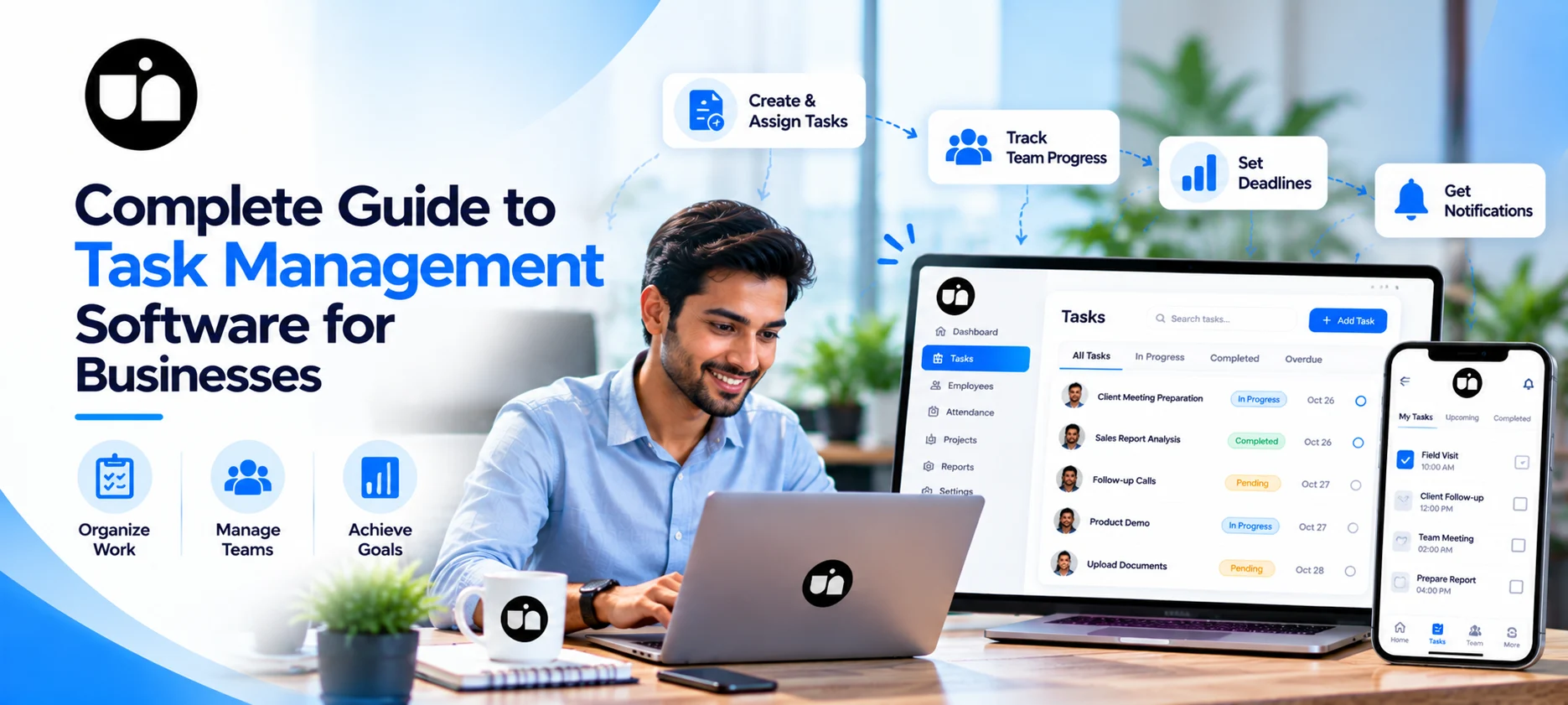
Task management application or software can be very helpful in organizing tasks and deadlines in business organizations. The use of human resource software such as UNIRR in workforce management provides improved attendance and human resource management.
Imagine a business organization beginning work on Monday with ten equally prioritized tasks, three critical deadlines, and employees that require assistance.
By Wednesday, you find some delays with certain tasks, two employees have taken the same task, and the important follow-up is missed. While it might not be an issue of lack of effort, it is a case of lack of organization.
It is here that proper task management plays a very significant role.
Task Management: What Does It Denote?
In case of a marketing campaign, tasks may involve writing content, creation of graphics, review of ads, and social media posting. These assignments need an individual to be assigned for responsibility and deadlines.
An effective task management system normally consists of:
- Task creation and assignment.
- Deadlines and priorities.
- Reports on progress and status updates.
- Accountability and responsibility.
- Communication within the team.
- Summarization or reporting, depending on the software being used.
These factors help organizations shift from disorganized instructions to an organized process.
Why do businesses require task management software?
Key Business Advantages
| Benefit | How It Helps |
| Better task organization | Keeps assignments and deadlines structured |
| Clear accountability | Identifies who is responsible for each task |
| Improved time management | Helps employees plan work around priorities |
| Deadline visibility | Makes upcoming and overdue work easier to identify |
| Team coordination | Reduces confusion about responsibilities |
| Progress monitoring | Helps managers review task status |
| Workload planning | Supports better distribution of responsibilities |
Best Task Management Apps: What to Consider When Choosing
The task management application doesn’t need any other features to work productively. Application efficiency is determined by a variety of factors, including the number of people working on it, the process involved, budget, and teamwork.
Think about these factors when making comparisons.
| Evaluation Factor | What to Look For | Why It Matters |
| Ease of use | Simple interface and clear navigation | Reduces the learning curve |
| Task assignment | Individual owners and deadlines | Improves accountability |
| Progress tracking | Clear task statuses | Makes pending work visible |
| Collaboration | Comments, files, and updates, if supported | Keeps teams aligned |
| Notifications | Useful, configurable reminders | Helps prevent missed deadlines |
| Reporting | Task and workload summaries | Supports informed decisions |
| Pricing | Transparent plans and usage limits | Helps control costs |
| Scalability | Suitable features as the team grows | Reduces the need to switch tools frequently |
Task Tracker Software to Improve Efficiency in Your Day-to-Day Activities
The task tracker software will help you track your tasks and find out the areas where you need improvement. For instance, let’s imagine a firm where five people are tasked with updating the websites.
With a centralized task tracker, the workflow can be organized as follows:
| Task | Owner | Deadline | Status |
| Prepare article draft | Content writer | Monday | Completed |
| Design article graphics | Designer | Tuesday | In progress |
| Review final content | Marketing manager | Wednesday | Pending |
| Publish article | Website executive | Thursday | Pending |
Task Management Software for Growing Organizations
Task management software with automated features, reminders, recurring tasks, templates, or reports provides a solution to such problems.
Before choosing a software, ask:
- Can tasks be assigned according to team responsibilities?
- Can deadlines and recurring activities be configured?
- Are overdue tasks easy to identify?
- Can managers review workloads without excessive manual reporting?
- Does the tool support the team's existing workflow?
Do You Need a Free Task Management App?
A free task management application is definitely good enough for a freelance individual or small business with a relatively simple workflow. A free plan could be used as an effective way of assessing the suitability of a certain software before opting for anything else.
However, there are likely to be limitations in terms of the number of users, projects, storage space, integration, and even reports.
| Business Requirement | What to Check in a Free Plan |
| Small team coordination | Number of users allowed |
| Daily task assignment | Availability of owners and due dates |
| Project planning | Limits on projects or active tasks |
| Collaboration | Access to comments and file sharing |
| Progress reporting | Availability of basic reports |
| Business growth | Upgrade costs and plan limitations |
Task Management vs. Work Management Software
Task management and work management can be compared, as both concepts are quite alike; however, these terms may differ concerning the levels of business planning that they represent. Task management mainly deals with tasks and timeframes, while work management is a broader concept that comprises projects, workflows, resources, and others.
| Comparison | Task Management | Work Management |
| Primary focus | Individual tasks | Broader work processes |
| Planning | Daily and weekly assignments | Projects and cross-team workflows |
| Progress visibility | Task-level status | Task, project, and workflow status |
| Best suited for | Individuals and teams managing assignments | Teams coordinating multiple workstreams |
| Complexity | Often simpler to implement | May require more detailed setup |
A business does not automatically need a complex work management platform. Start with the process you need to improve, then select the software that supports it.
How UNIRR Supports Employee and Workforce Management
Efficient task coordination is not only about task assignment but also knowing when employees are available and managing the common HR workflows.
UNIRR focuses on managing employees, monitoring their attendance, and dealing with leave and payroll processes. These processes might help the task management tool to collect data about employees and manage the workforce management process.
Below is the way they can collaborate:
| Business Need | Task Management Tool | UNIRR's Workforce Management Role |
| Assigning project work | Organizes tasks and responsibilities, depending on features | Helps manage employee information |
| Tracking task progress | Monitors task status, where supported | Does not replace a dedicated task tracker |
| Attendance administration | May not include attendance features | Supports attendance management |
| Leave planning | Depends on the selected tool | Supports leave management |
| Payroll administration | Usually outside the core task workflow | Supports payroll-related processes |
| Workforce records | May offer limited employee information | Helps centralize employee-related information |
Organizations need to check whether the platform features work currently to employ particular workflows and integrations. Manually managing routine tasks leads to chaos, inefficiency, and ineffective communication among colleagues, which is why it is impossible to monitor the performance of the employees.
The UNIRR intelligent task management system provides an effective solution for handling tasks, monitoring of team assignments, and centralization of tasks to increase accountability.